What mbovy does
Every piece of work knows who it is for
Projects, tasks and time, each tied to a customer, with what it was expected to take and what it took. The rest of the product grows from that one idea.
Work tied to the customer
The customer is the centre, not a label
Projects, phases, tasks and subtasks, each pointing at the customer or customer group it is for. A customer record carries your own fields, its files in folders, and everything scheduled for it, as a list or on a calendar. Each field can be visible or editable only by the roles you choose.
- Your own fields: text, numbers, dates, choices, yes or no
- Files, notes and a work calendar on every customer
- Groups for customers that share a fee or an account manager

Time, as it happens
A timer on the task, a timesheet for the week
Start the timer from the task or from the top bar; one runs at a time, it is kept on the server,
so it survives a reload or a change of device, and stopping it records the time to the minute.
Prefer to fill the week in at once? The timesheet shows your week, one row per task and a column
per day: type 1:30 and move on, or paste the week from your spreadsheet.
- Every entry dated on the day it belongs to, attributed to the person who logged it
- A correction is a new entry: nothing is overwritten, the history stays complete
- A forgotten timer stops itself after 24 hours and tells you

Estimate, then measure
See the gap while there is still time
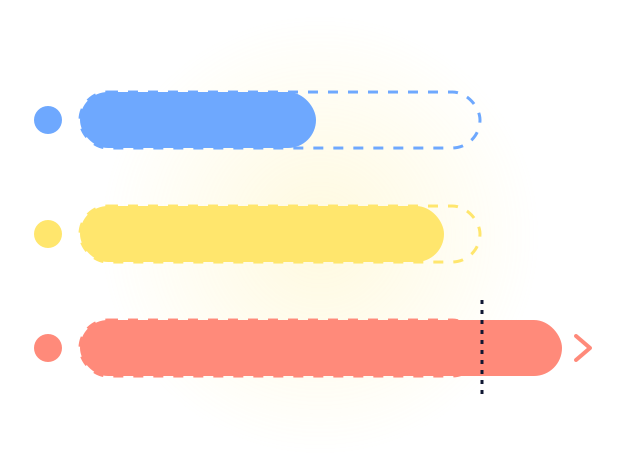
Every task carries its estimate and what was spent, in hours or in money. The bar turns amber at 90 percent and red past 100. A project's figure is the sum of its tasks, so every hour in the report has a task behind it.
- Estimate against actual on every task, phase and project
- Hours and minutes, decimal units or the workspace currency, as you configure it
- A dashboard of the period: what is open, late, due within the week, and the time it took
What to charge
The number that goes on the invoice
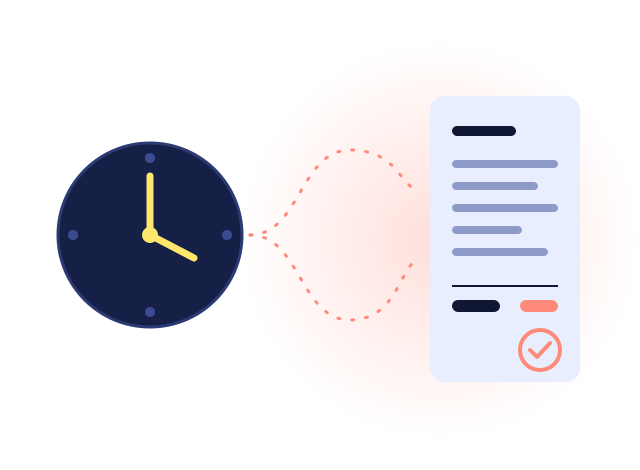
A fee rule per customer, or inherited from its group, turns the time spent into a charge: hourly, weekly, biweekly, monthly or yearly. A job sold at a fixed price, a tax return filed or an extra visit, is a billable extra, charged once in the period it is closed. A statement per customer for any period comes out as a PDF to send or a spreadsheet to adjust. It is not an invoice: it is what goes on one.
- A group invoiced once for all its members, each member's extras on top
- The hours in hours and minutes, and in the decimal hours the rate is charged in
- Each customer remembers its previous statement, period and total
Work that repeats
Monthly filings, weekly reviews, on time
A repeating task follows your calendar of holidays and non-working days: a filing due on the 15th moves to the next working day when it lands on a holiday, a payroll due on the 28th to the previous one, as you choose.
- Daily, weekly or monthly, on the days you choose
- Your own holidays and days off, per workspace
- Reminders before the due date, by email or in the app

One list, many views
The same work, the way each person thinks
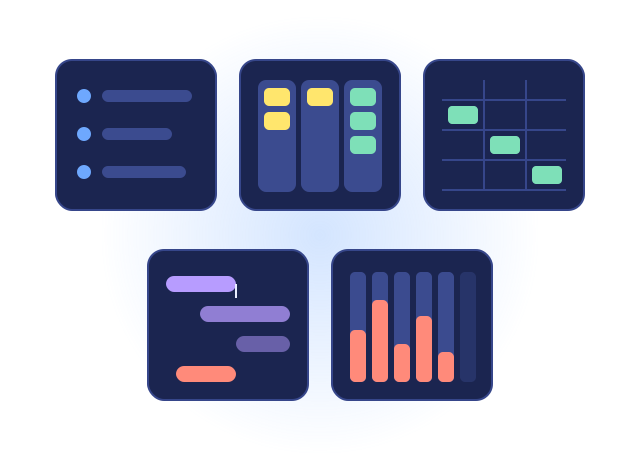
A list for the day, a board for the flow, a spreadsheet-style grid for fast entry, a Gantt chart for the plan, a weekly timesheet for the hours and a calendar per customer. Change it in one and it changes in all, in every open tab.
- A grid that accepts a paste from your spreadsheet
- Dependencies: this task cannot start before that one finishes
- A project organizer that moves work around without opening each item
Reports you build yourself
Any question about the pile of work
A report is a saved question: what to group by, what to count or total, and what to ask whoever runs it. A detail list, a summary with totals, or a pivot with the months across the top, with a bar, pie, donut or line chart drawn from the same figures. Share it with the team; each person sees only the rows they are allowed to.
- Hours per customer and month, items per person and status, estimate against spent
- PDF with the chart, or a spreadsheet of the table
- The spent report by day, customer, person and project, with its own charts

An assistant, if you want one
Ask about your work in your own words
What is overdue for Acme? Who has the most open work? How many hours did we log for Acme in September, by person? The assistant answers from the lists you can already see, with the figures computed by the app, never written by the AI. Ask it to move every overdue task of a project to next week and it shows each task, old date and new, for you to tick and apply.
- Describe a project and it drafts the plan: phases, tasks and subtasks, to review before anything is created
- Names of people, customers and projects never leave the app: the provider gets a code in their place
- On from the first day, within the plan's monthly allowance; an administrator can switch it to your own AI account or off

Requests from outside
A form anyone can fill in
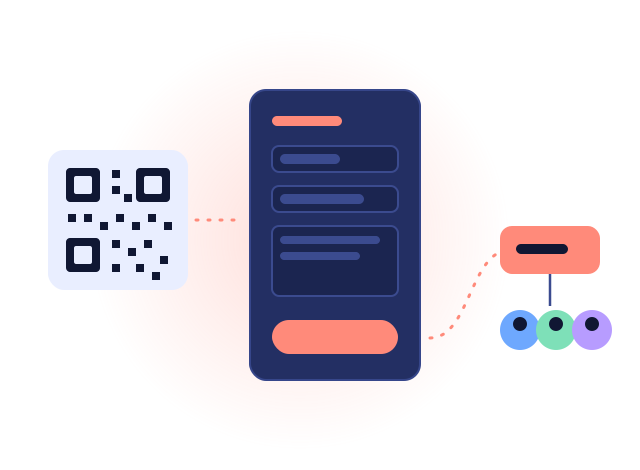
A public form turns a request from anyone into a task, routed to a person or a team. The sender gets an email when it moves and can follow it on a page of their own. Claims and suggestions and the support desk are built on it.
Bring your spreadsheet, keep your data
Start with what you already have
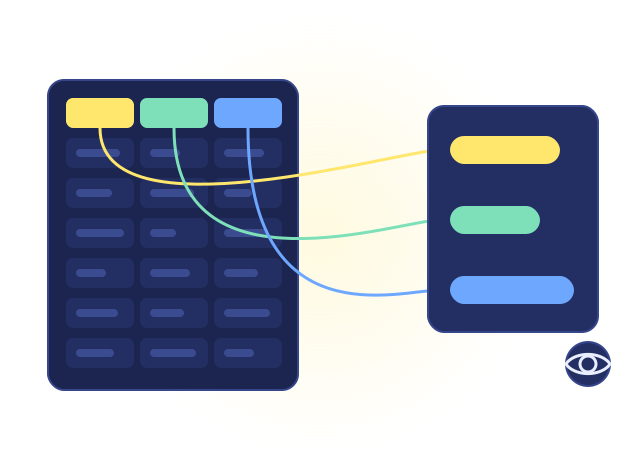
Import your customers, with your own fields, and your open work from .xlsx, .ods or .csv.
You map the columns, see the rows before anything is created, and an existing customer is skipped,
never overwritten. How the import works
- An administrator exports the whole workspace at any time: settings, people, customers, work, time, comments, files
- A workspace whose trial ended stays readable and exportable; nothing is removed
And everything a team needs around it
Teams and permissions
Groups decide who can do what. A task can be open to everyone, kept to one team, or only yours, and the others see it read-only or not at all.
Comments, mentions and history
Comments with formatting and @mentions, every change recorded, and a follow button on any task.
Notifications and reminders
In the app, by email, or by email only when the bell went unread. A reminder on any task, before the date you choose.
Files and documents
Folders of files on every customer and every task, and one gallery of every file you may see.
Tags and search
A shared vocabulary of tags on tasks, projects, customers and teams, and one search box across everything.
Activity and security logs
Who changed what, and every sign-in, failed attempt and password change, for whoever has the permission.
On your phone
Install it on a phone or a computer; the timer is one touch from the icon.
Your time zone, your currency
The workspace has its own time zone, currency and working days; each person sees dates and numbers in their own regional format.
Just a task list?
Basic mode hides projects, phases and types: one shared list of tasks, nothing else to set up.
See it working before you type a thing
Start with an example project: customers, tasks, time and a statement, ready to explore. Remove it with one click when you are done.