Projects with a deadline
The plan, the team, and what it really took
For studios, agencies, event planners and small software shops. A project in phases, tasks and subtasks, a chart of the plan, and every hour and every expense measured against the estimate while there is still time to react.
Start with the event All use cases
The example comes ready: an event in three phases, with a team and hours already logged.
The plan
Phases, tasks, and what waits for what
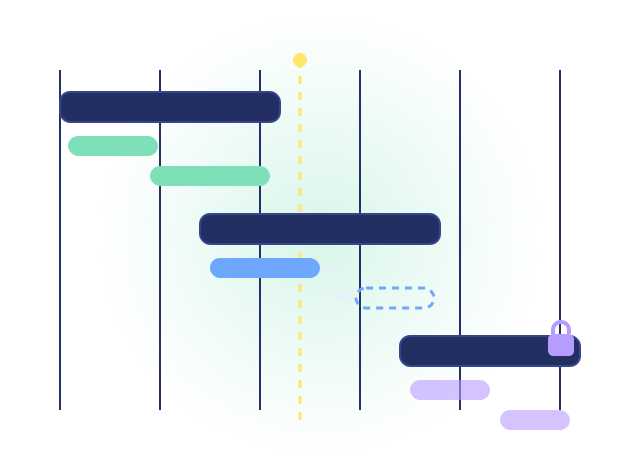
A project holds phases, phases hold tasks, tasks hold subtasks. A task can wait for another to finish or to start, and a phase can be locked until its date arrives. The Gantt chart draws it all on a timeline, and the status of a waiting task stays locked until the way is clear.
- Describe the project to the assistant and it drafts the plan, for you to review before anything is created
- Clone a project to start the next one from it
The team
Each person sees the work the way they think
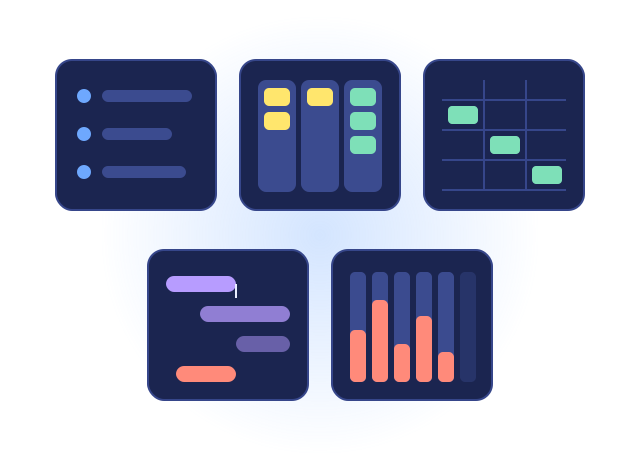
A list for the day, a board of what is assigned to you, a grid that takes a paste from a spreadsheet. A phase only the crew can edit, while the office reads it. Comments with @mentions, a history of every change, and every open tab updated live.
- A team's unassigned work waits on the home page until a member takes it
- The project organizer moves tasks between phases without opening each one
The measure
Estimate against actual, before the end
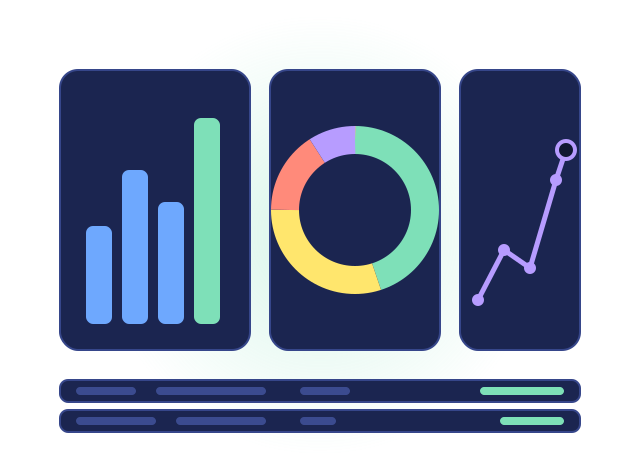
Every task carries its estimate and what was spent, in hours or in money, and the bar turns amber at 90 percent. A project's figure is the sum of its tasks. The dashboard of the period shows what is open, late and due within the week, and reports you build yourself answer the rest: hours per person and phase, items per status and month.
- A statement per customer of the work done and what is charged
- A finished project archived with its history, to look back on and reopen
Try it with the example
Your workspace starts with an event in three phases: a team, dependencies between tasks, a weekly call, and hours already logged. Remove it with one click when you are done.