Support desk
One queue, every request owned
For a team of two to ten. Requests come in through a support form and are worked as one queue: highest priority first, each with an owner. Nobody answers from a shared inbox.
Start with the support desk example All use cases
The example comes ready: a queue of requests in different states and a weekly review.
Routed to the team
Requests become tasks
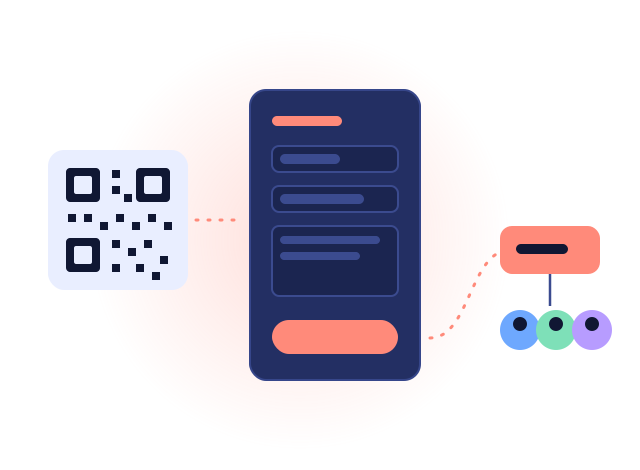
Every request from the form is a task in the project you choose, with its priority, its due date and its history. Send it to a team and it waits in the team's block until a member takes it; every member is told it arrived.

Nothing waits unseen
A review every Monday
A repeating review: anything open for more than three days gets an owner and a date. It follows your calendar of holidays, like any repeating task.

The customer in the loop
Updates without the email thread
The sender gets an email when the status or priority changes and when your team sends a comment, and follows the request on a page of their own, where they can answer.
What it is, and what it is not
It is a form-based desk: requests arrive through the form, and your team works them as tasks alongside the rest of its work. It does not read an email inbox, and emails sent to the sender cannot be answered by replying; the sender answers on their request's page.
Try it with the example
Your workspace starts with six requests, two people working them and the Monday review. Remove it with one click when you are done.